For quite some time, I’ve been working through challenges with VNC in an effort to reliably access the graphical interfaces of my Linux virtual machines. While I recognize that many in the Linux community prefer SSH—and I agree it is an excellent option—I have a specific use case that requires a graphical desktop environment. Despite extended troubleshooting, achieving consistent behavior with VNC proved difficult. During this process, I also realized I lacked a viable remote desktop solution for macOS.
For context, the most common remote access options by platform are:
-
Remote Desktop Protocol (RDP): Primarily used for Windows-based systems
-
VNC (Virtual Network Computing): Commonly used for Linux systems
-
Apple Remote Desktop (ARD): Designed for macOS systems
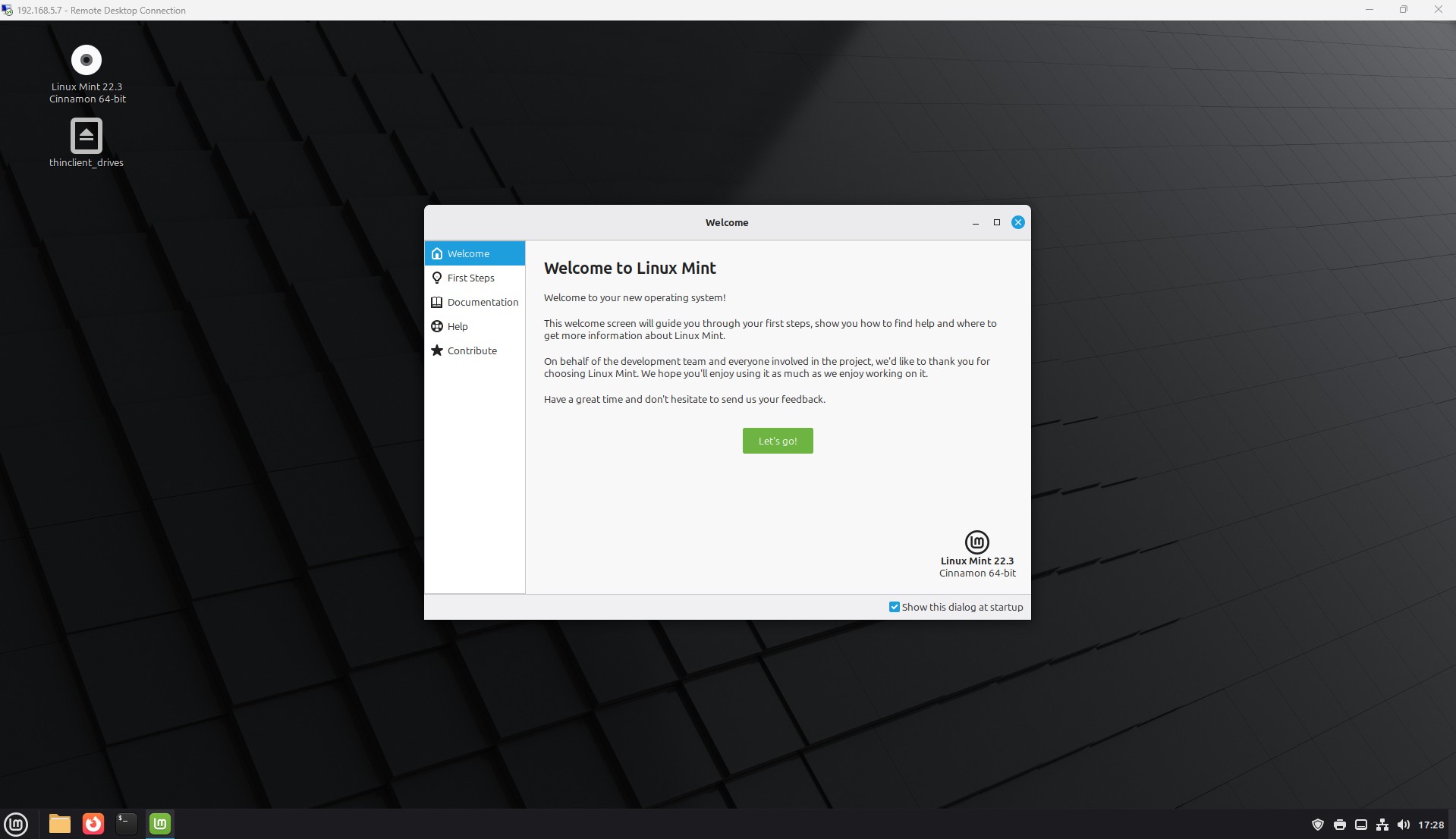
I discovered that Linux systems can be configured to use RDP instead of VNC, although this approach requires additional setup. I decided to pursue this path and tested it using Linux Mint, a distribution recommended by a colleague. I also wanted to experiment with something different from my usual Pop!_OS or Ubuntu environments.
To achieve this, I installed and configured xrdp, enabled it to start at boot, set it to use the XFCE desktop environment, added the service to the appropriate SSL group, restarted the xrdp service, and allowed it through the system firewall. After completing these steps, the system was fully functional and accessible via RDP.
macOS presented a different challenge. I was initially unaware that Apple uses its own remote desktop solution. Apple Remote Desktop is primarily intended for Mac-to-Mac connections and requires the purchase of Apple’s proprietary software, which currently costs approximately $80 USD. Seeking a more cost-effective alternative, I explored other options.
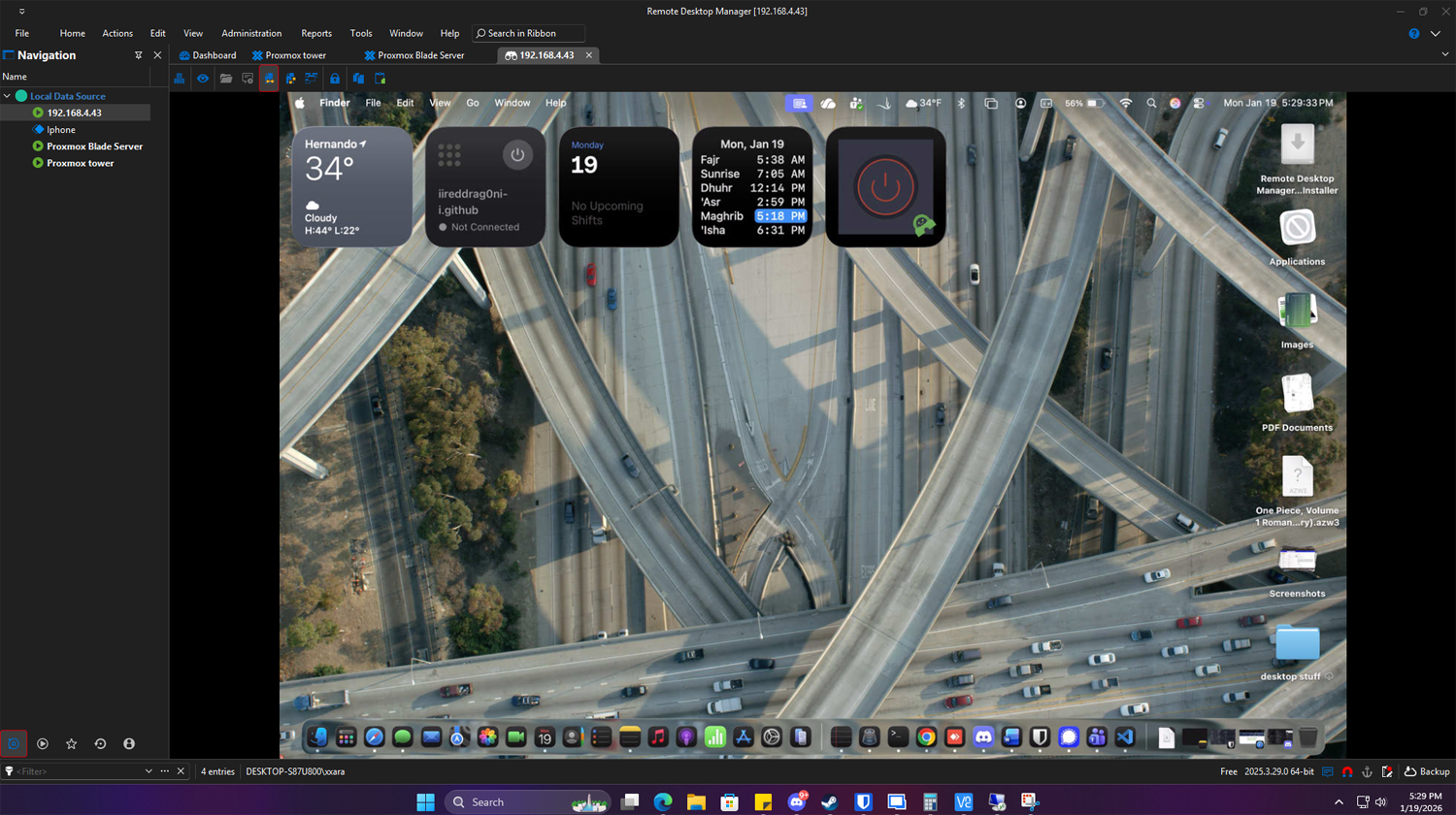
I previously mentioned a tool called Remote Desktop Manager by Devolutions. This platform supports connections to Apple devices using the Apple Remote Desktop protocol. I tested it using my own MacBook as the target system, and the connection worked seamlessly. Beyond that, Remote Desktop Manager serves as a centralized solution for managing remote connections across multiple platforms and even supports various cloud environments.
Overall, this approach has significantly simplified my remote access workflow across Windows, Linux, and macOS systems.
